

Why Your New iPhone Battery Drains So Fast (And How to Fix It Today)
Wondering why your brand new iPhone battery is plummeting after the iOS 27 update? Discover the hidden background processes causing the drain and the exact settings to change right now.
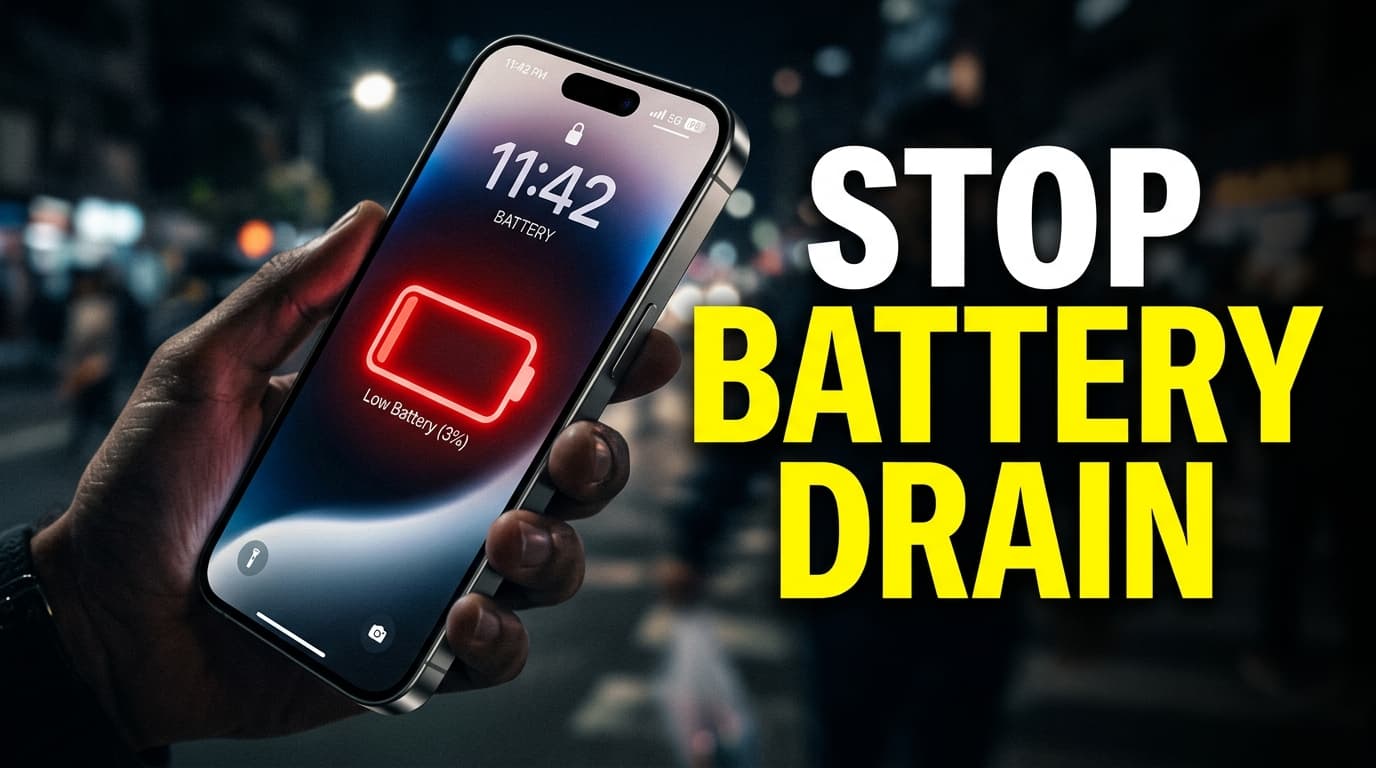
Is your brand new iPhone dying before lunchtime, leaving you frantically searching for a wall outlet? If your new iphone battery drains fast right out of the box or immediately following a massive software installation, you are likely experiencing massive panic. That rapid power drop is actually a completely normal behavior for modern smartphones adjusting to heavy data loads. Read on to uncover the hidden background processes silently eating your charge and the exact settings you need to tweak to get your all-day battery life back on track.
Key Takeaways
- Initial battery drain on new iPhones is primarily caused by intensive background data indexing.
- The recently released iOS 27 update requires up to 48 hours to fully optimize device storage and stabilize.
- Rogue third-party apps often consume massive power in the background until developers issue optimization patches.
- Constant searching for 5G cellular signals in weak coverage areas drains batteries significantly faster than screen usage.
- Disabling Background App Refresh and tweaking Location Services provides immediate relief for struggling batteries.
- Recent user reports indicate iOS 27 ultimately improves battery performance once the initial setup phase finishes.
The iOS 27 Indexing Phase Explained
Start your troubleshooting by looking at the biggest culprit of all. When you take a new iPhone out of the box or install a massive September software update like iOS 27, the operating system works overtime. Apple designs its mobile software to index all your personal files immediately. The internal processor catalogs every single text message to ensure your search functions work instantly. It scans your entire photo library using complex machine learning algorithms to identify faces, pets, and specific locations so you can easily pull up memories later. Siri suggestions are also being built from scratch based on your app usage habits. All this heavy lifting happens silently in the background.
You might be staring at the home screen doing absolutely nothing, yet the internal CPU is running at near maximum capacity. This intense processing generates heat and rapidly depletes your battery. According to recent reports from late September 2026, many users noticed wild battery percentage fluctuations immediately after the iOS 27 drop. However, tech outlets noted a dramatic positive impact on overall battery life once that initial optimization phase concluded. The system simply needs time to settle down. If you just restored your device from a massive iCloud backup, your phone is actively downloading gigabytes of app data, fetching thousands of emails, and syncing calendars. This initial setup drain usually lasts anywhere from 24 to 72 hours depending on the size of your data payload. Panic is unnecessary during this specific window. Just keep the device on a charger and let it finish its digital housekeeping.
Background App Refresh and Rogue Applications
Third-party applications are the second most common reason your new iphone battery drains fast. Developers constantly update their software to align with Apple's latest coding requirements. If you migrate old, unpatched apps to a brand new device running iOS 27, those programs can easily enter infinite background loops. They ping remote servers incorrectly or fail to enter a dormant state when you swipe them away. You can identify these rogue applications by opening your Settings app and tapping the Battery menu. Look closely at the list detailing battery usage by app over the last 24 hours. If a simple calculator utility or a basic social media app is eating up 30 percent of your battery while resting in the background, you have found a primary culprit.
Apple includes a feature called Background App Refresh that allows software to update content while you are not actively looking at the screen. This ensures your social media feeds are perfectly populated the second you open the app. Unfortunately, allowing fifty different applications to constantly fetch data over Wi-Fi or cellular networks will decimate your daily charge. Restricting this specific feature is an incredibly effective way to preserve power. You can turn this off globally or go through the list to disable it for specific, non-essential apps. Mobile games and video streaming services rarely need to refresh in the background, making them prime candidates for restriction.
Cellular Connectivity and 5G Struggles
Your iPhone modem is an incredibly power-hungry component. The device is programmed to maintain the strongest possible connection to cellular towers at all times. If you live or work in an area with spotty 5G coverage, your phone will constantly search for a better signal. It drops down to LTE, attempts to reconnect to 5G, and pushes maximum power to the internal antenna to hold onto a weak connection. This continuous background scanning destroys battery life faster than watching high-definition video. Modern iPhones feature a setting called 5G Auto designed to mitigate this exact problem. This mode only utilizes 5G speeds when the software determines it will not significantly reduce battery life.
If your carrier network is highly unstable, even the automatic setting might struggle to balance performance and power efficiency. For users who commute through rural dead zones or work deep inside thick concrete buildings, switching the cellular data setting strictly to LTE can result in massive battery savings. The speed difference for basic web browsing and email is entirely negligible, but the reduction in power consumption is highly noticeable. On top of that, Wi-Fi Assist is another cellular feature that quietly drains power. This function automatically switches your connection to cellular data when your Wi-Fi signal drops. If your home router has a weak signal in certain rooms, your iPhone might be secretly burning through battery by leaning heavily on the cellular network instead.
Display Features and Brightness Management
The screen is the single most expensive component regarding daily power consumption. Apple equips its latest Pro models with exceptionally bright displays and ProMotion technology. ProMotion allows the screen refresh rate to ramp up to 120 hertz for incredibly smooth scrolling, and then drop down to just 1 hertz to save power. While this dynamic adjustment is highly efficient, pushing maximum brightness outdoors under direct sunlight forces the battery to dump energy rapidly. If you constantly keep your screen locked at 100 percent brightness, you will never see the all-day battery life advertised on the retail box. Auto-Brightness is usually your best defense, as it uses the ambient light sensor to appropriately lower the output when you are indoors.
Another massive factor is the Always-On display found on recent high-end models. This feature keeps the lock screen dimly lit so you can clearly see the time and incoming widgets without touching the glass. Apple engineered this to be highly efficient by dropping the refresh rate to the absolute minimum. Despite that clever engineering magic, keeping the screen illuminated permanently still consumes roughly one percent of battery per hour. Over a standard 15-hour day, that translates to a 15 percent loss just for the convenience of a visible clock. If you find yourself desperate for extra juice, disabling the Always-On display in the settings menu is a guaranteed way to reclaim a significant portion of your battery capacity. Another highly overlooked setting is the Auto-Lock timeout. If your screen is set to stay awake for five minutes after you stop touching it, you are wasting massive amounts of energy every time you set the device down on a desk. Changing the Auto-Lock setting to 30 seconds ensures the display shuts off immediately when not in use.
Step-by-Step Fixes to Extend Your Battery Life
When your new iphone battery drains fast, you need immediate, practical solutions. Implement these specific software adjustments today to stop the power bleed and restore normal functioning.
- Audit Location Services: Many apps request constant access to your exact GPS coordinates. Go to Settings, then Privacy and Security, and select Location Services. Change apps that do not need your exact location to "While Using" or "Never." Weather and map apps need this data; random mobile games do not.
- Disable Background App Refresh: Navigate to Settings, then General, and find Background App Refresh. Turn it off completely or disable it for every app except your most critical messaging clients.
- Turn Off Always-On Display: If you own a premium Pro model, visit the Display and Brightness menu. Toggle off the Always-On feature to instantly save up to 15 percent of your battery over the course of a long day.
- Switch to Dark Mode: OLED screens power individual pixels independently. When a pixel displays true black, it is completely turned off and draws zero power. Switching your entire iOS interface to Dark Mode saves a measurable amount of energy over time.
- Wait Out the Indexing Phase: If you just bought the phone or installed iOS 27, plug it into the wall and ignore the battery percentage for two full days. The system will finish its background organization and stabilize naturally.
- Check Battery Health: If you bought a refurbished device rather than a brand new one, the physical lithium-ion cell might already be degraded. Check Settings, then Battery, then Battery Health to ensure the maximum capacity is sitting above 80 percent.
Taking control of these specific toggles forces the Apple operating system to prioritize hardware longevity over flashy background features.
Summary
The panic over a rapidly dropping battery percentage on a fresh smartphone is usually misplaced. This heavy power consumption is a completely normal byproduct of the operating system indexing massive amounts of personal data and restoring large cloud backups. Understanding exactly why a new iphone battery drains fast allows you to take control of your device without unnecessary frustration. By waiting out the initial setup period and disabling aggressive background features, your device will quickly stabilize and deliver the long-lasting performance you expect.
FAQs
How long does iOS indexing take on a new iPhone?
Indexing typically takes between 24 and 48 hours to complete. If you have an exceptionally large photo library or massive cloud backups, it might stretch to 72 hours before battery life normalizes. This intensive background work is exactly why a new iphone battery drains fast during the first few days.
Does closing background apps save battery?
No, force-closing apps actually hurts your battery life. The operating system freezes apps in the background highly efficiently, and completely restarting them requires significantly more CPU power than simply leaving them suspended in memory.
Is iOS 27 causing battery drain issues?
Initial installation of iOS 27 triggers heavy data indexing that drains power quickly. However, recent user reports from late September 2026 indicate that once this setup phase is completely finished, the new update actually improves overall battery efficiency.
Should I turn off 5G to save my iPhone battery?
If you live in an area with a weak or highly inconsistent 5G signal, turning it off is highly recommended. Forcing your phone to rely on a stable LTE connection prevents the modem from overworking and saves massive amounts of daily power.
When should I replace my iPhone battery?
Apple strictly recommends a physical battery replacement when the maximum capacity drops below 80 percent of its original design. You can check this exact metric anytime in the Battery Health section of your main settings menu.

Vivo X500 Pro Max and Y600i: 7 Reasons They Just Broke the 2026 Smartphone Market
More in Mobiles
 Mobiles
OriginOS 7 Global Release: Is Your Vivo or iQOO Phone Getting the Android 17 Update?
 Mobiles
Honor's Wild Magic9 Pro Max Hardware Teases Will Ruin Mobile Filmmaking Forever
 Mobiles
Google's Pixel Phones Just Got 5 New Features, and One Might Save You From Scams
 Mobiles