

Is GTA 6 Banned in India? Release Truth & PS5 Xbox Speed Hacks!
Get the truth about Rockstar's regional launch plans and learn the exact network tweaks to maximize your console download speeds.
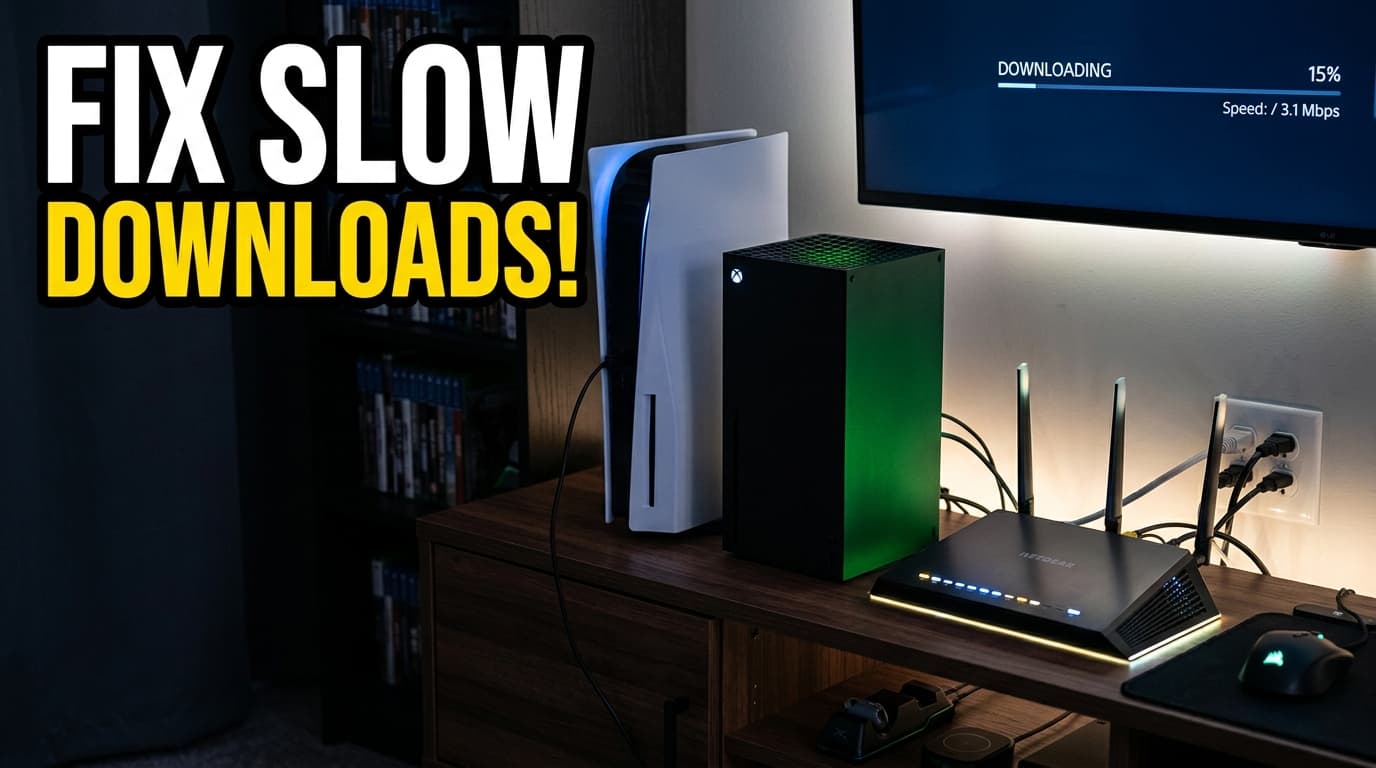
The anticipation for Rockstar Games' next massive open-world adventure has reached a fever pitch, bringing a flood of conflicting rumors about regional availability. Players are actively searching for answers after whispers suggested the GTA 6 India release might face local delays or outright denial. This comprehensive guide breaks down the actual facts regarding the regional launch window while providing proven network configurations to ensure your PlayStation 5 or Xbox console downloads the colossal file without frustrating speed throttling.
Key Takeaways
- Rockstar Games plans a simultaneous global launch, completely debunking rumors of an Indian release denial or local ban.
- Microsoft recently refuted industry claims that PlayStation pre-orders are vastly outpacing Xbox sales.
- Switching to custom DNS settings can drastically improve PlayStation 5 download times for massive game files.
- Suspending active games on Xbox Series X and Series S is the absolute fastest way to uncap background network limits.
- Wired ethernet connections remain the most reliable method for securing stable, high-speed console downloads during heavy server traffic.
GTA 6 India Release: Debunking the Denial Rumors
Rockstar Games operates on a massive global scale, and the Indian gaming market represents a highly significant portion of their international audience. Recent social media speculation claimed the upcoming title might be restricted or delayed in the region due to strict local content guidelines. These rumors are completely unfounded. As of the last confirmed reports, there is no official ban, delay, or denial preventing the game from launching in India alongside the rest of the world. Historically, titles like Red Dead Redemption 2 and previous Grand Theft Auto installments faced zero regulatory hurdles in the country, provided they carried the appropriate mature age ratings.
The current confusion likely stems from separate governmental actions against specific mobile applications over data privacy concerns, which simply do not apply to standard console and PC software distributions from Western publishers. The digital infrastructure for modern gaming ensures that regional restrictions are exceptionally rare for mainstream blockbuster titles. The GTA 6 India release will follow the standard operational procedures set by Sony and Microsoft for their regional storefronts. When the official launch day arrives, players in the region will have full access to purchase and download the game directly from the PlayStation Store and Xbox Marketplace without using any virtual private networks or region-swapping exploits.
Because global digital storefronts update simultaneously, the exact availability time will depend entirely on Rockstar's chosen global launch hour. The studio has a long history of coordinating synchronized global server activations. If the publisher targets a standard midnight Eastern Standard Time launch window, Indian players can expect the servers to go live at exactly 10:30 AM Indian Standard Time (IST). This daytime launch actually provides a massive advantage for local players, allowing them to initiate the massive download during standard daylight hours rather than staying awake through the night.
The Pre-Order Battle Between PlayStation and Xbox
The hype surrounding the title has already ignited a fierce competition between console manufacturers trying to secure platform dominance. In late June 2026, Microsoft officially denied reports claiming that the game was securing significantly more PlayStation pre-orders than Xbox copies. The statement, highlighted by The Times of India, emphasized that player interest remains incredibly strong across both major platforms and dismissed the notion that Xbox was falling behind in early sales metrics.
This defensive public stance from Microsoft highlights exactly how critical this specific release is for both hardware ecosystems. Console gamers are securing their digital and physical copies months early to guarantee day-one access. The sheer volume of these pre-orders guarantees that launch day will test the absolute limits of global internet infrastructure. With millions of users preparing to hit the download button at the exact same moment, network servers will face unprecedented stress. Preparing your local hardware for this massive data transfer is an absolute necessity if you want to play on launch day instead of staring at a crawling progress bar.
How to Maximize PS5 Download Speeds for the Massive File
The exact final file size remains closely guarded, but industry expectations place it well over 150 gigabytes based on the massive scope of the game world. Downloading a file of that magnitude requires a perfectly optimized network connection. Many PlayStation 5 owners experience artificial throttling due to standard internet service provider configurations. Adjusting a few specific network settings can drastically reduce your waiting time.
- Switch to Custom DNS Servers: The default Domain Name System provided by your internet provider is rarely optimized for the PlayStation Network. Navigating to your PS5 network settings, choosing advanced setup, and changing the primary DNS to 8.8.8.8 and the secondary DNS to 8.8.4.4 (Google's public servers) often yields massive speed increases. Alternatively, Cloudflare's 1.1.1.1 offers excellent routing stability and ping reduction.
- Utilize Rest Mode Downloading: The PlayStation 5 allocates processing power to active applications and dashboard rendering. Putting the console into Rest Mode suspends these background tasks and dedicates maximum hardware resources to network traffic. Always initiate the download, verify it has started, and immediately switch the system to Rest Mode.
- Adjust MTU Settings: Maximum Transmission Unit settings dictate the size of data packets your console accepts from the host server. Changing the automatic MTU setting to exactly 1473 or 1450 can occasionally bypass local network bottlenecks, resulting in a much steadier data stream.
- Pause and Resume: If the initial estimated download time seems unusually high, pause the download for ten seconds and then resume it. This simple action forces the console to ping the network and often connects you to a significantly faster, less congested content delivery server.
- Prioritize Wired Connections: Wi-Fi is incredibly susceptible to interference from walls, Bluetooth devices, and neighboring wireless networks. Running a direct Cat6 or Cat7 ethernet cable from your router to the PS5 eliminates signal degradation entirely and guarantees you receive the full bandwidth you pay your internet provider for.
Eliminating Xbox Series X and S Download Bottlenecks
Xbox users face completely different software hurdles when trying to pull data quickly from Microsoft's servers. The Xbox Series X and Series S operating systems prioritize active gameplay over background tasks, which intentionally suffocates download speeds if you leave any game running in the background.
- Suspend Your Active Game: This is the single most important step for Xbox owners. If you press the Xbox button, navigate to your active queue, and select the "Suspend my game" option, the console immediately stops reserving bandwidth and processing power for the minimized application. Users often see their speeds jump from 30 Mbps to over 300 Mbps instantly after clicking this button.
- Clear the Alternate MAC Address: Network caches can become heavily cluttered over time, leading to sluggish communication with digital storefronts. Head into the general network settings, select advanced settings, choose Alternate MAC Address, and hit clear. The console will reboot automatically with a refreshed, clean connection to your local router.
- Change Xbox DNS Configurations: Just like the PS5, the Microsoft console benefits immensely from public DNS routing. In the advanced network settings, switch the IP settings to manual and input Cloudflare or Google DNS addresses to bypass restrictive local ISP routing protocols.
- Configure Port Forwarding: Advanced users should log into their local router interface and open specific network ports dedicated to Xbox Live. Forwarding TCP port 3074 and UDP ports 88, 500, 3074, 3544, and 4500 ensures an open NAT type, which allows for unrestricted data packets to reach your console without firewall interference.
- Disable Power Saving Features: If your console is set to energy-saving mode, it might completely sever the network connection when turned off. Ensure your system is set to "Sleep" mode in the power settings so the massive game file can continue downloading overnight without unexpected interruptions.
Preparing Your Console Storage Space in Advance
Network tweaks mean very little if your hard drive lacks the required space to accommodate the massive installation file. Modern blockbusters demand premium solid-state drive real estate, and both current-generation consoles offer limited internal storage right out of the box. Finding out your hard drive is full exactly when the game becomes available is a highly frustrating experience that is easily avoided.
Players should audit their installed games library at least a full week before the official launch date. Delete older titles you no longer play. If you refuse to delete your existing digital library, investing in an internal NVMe SSD expansion for the PS5 or a proprietary storage expansion card for the Xbox Series X/S is absolutely mandatory. Ensure any newly purchased PS5 SSD includes a high-quality built-in heatsink to prevent thermal throttling during the prolonged data installation process. Moving backward-compatible PlayStation 4 or Xbox One titles to a standard external USB hard drive is another excellent strategy to free up ultra-fast internal storage exclusively for this specific release.
Summary
Securing the fastest possible download for the upcoming launch requires proactive network management and proper storage preparation. The GTA 6 India release is expected to proceed perfectly smoothly alongside the global rollout, completely dismissing the persistent local denial rumors. By optimizing your console settings and clearing your hard drive today, you guarantee immediate access to the streets of Leonida the exact second the digital servers go live.
FAQs
Is the GTA 6 India release canceled or delayed?
No, there is no official cancellation or delay for the Indian market. The highly anticipated game is fully expected to launch simultaneously worldwide across all supported digital storefronts.
What time will the game become available in Indian Standard Time?
The exact release hour depends entirely on the publisher's final global schedule. If Rockstar opts for their traditional midnight Eastern launch, the title will become playable at exactly 10:30 AM IST.
Why is my PS5 downloading the game so slowly?
Standard ISP domain settings and active background applications heavily restrict Sony's network traffic. Switching your internet settings to Google DNS and placing the console in Rest Mode will instantly bypass these artificial software limits.
How do I force my Xbox to download faster?
Navigate to your download queue and select the "Suspend my game" option immediately. The Xbox operating system heavily throttles all network speeds if it detects any software currently running in the background.
Will a wired connection actually improve my console download speeds?
Yes, a direct ethernet cable provides vastly superior stability compared to a standard Wi-Fi connection. It completely eliminates data packet loss and wireless frequency interference, ensuring you utilize the maximum allotted internet bandwidth provided by your carrier.

Is Your Internet Ready? The Brutal GTA 6 Download Speed Truth
More in Gaming
 Gaming
GTA 6 Download Start Time: When You Can Preload and Play the $80 Game
 Gaming
NIS America Head Sparks Fierce Debate: Will AI Actually Speed Up Game Dev?
 Gaming
Rockstar Drops a $400 GTA 6 Collector Box, But There Is One Massive Catch
 Gaming